SaveLearning & workAll-Day Events: Keep a Calendar Date Distinct from a Midnight AppointmentAn all-day birthday or observance can describe a date rather than an instant at midnight. Turning every date into a timestamp can make it appear on another day in another zone. Preserve the event’s intended type before troubleshooting its display.4 min read
SaveLearning & workWhy an Imported Calendar Event Moved: Inspect Its Time ContextAn event can change its displayed hour after import because the source represented time differently from what you expected. Check the original invitation, the named zone and the intended local schedule before manually moving every occurrence.4 min read
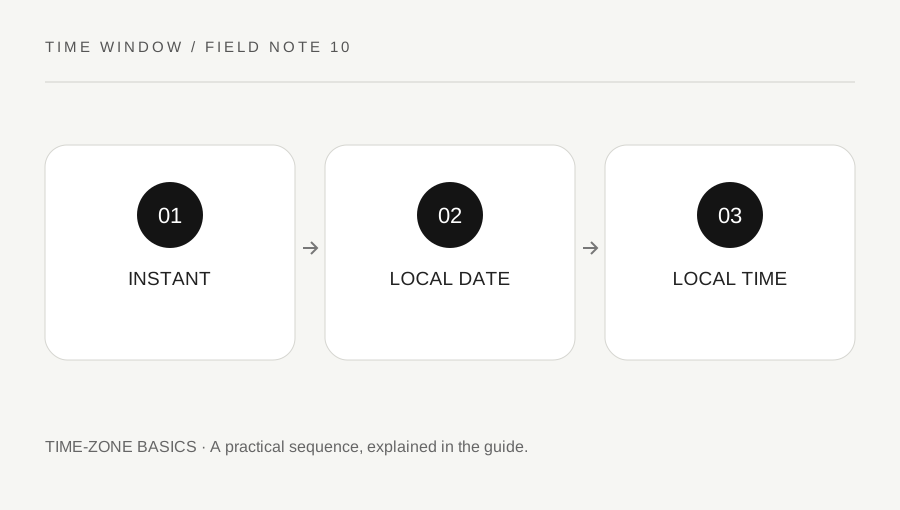
SaveLearning & workCompare Timestamps with Different Offsets by Their InstantsTwo timestamp strings can show different hours while identifying the same instant. Conversely, identical local clock text can identify different instants when its offsets differ. Normalize the meaning before sorting, comparing or investigating an apparent delay.3 min read
SaveLearning & workCount Weekdays in a Date Range Without Mistaking Them for Business DaysA Monday-to-Friday count can be calculated from complete weeks and leftover dates. That is a weekday count, not automatically an official business-day count. Holidays, work patterns and endpoint rules need to be specified separately.3 min read
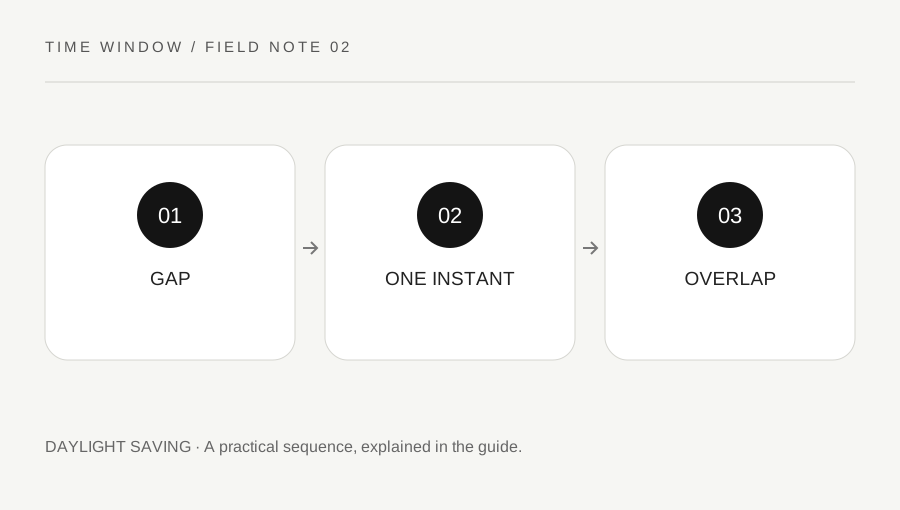
SaveLearning & workDaylight Saving: Why a Local Time Can Be Missing or RepeatedA clock reading is not always enough to identify one instant. When local clocks move forward, some readings do not occur. When clocks move backward, some occur twice. A careful converter exposes that ambiguity instead of silently choosing for you.4 min read
SaveLearning & workDays Between Dates: Choose the Counting Rule FirstTwo dates do not specify a complete counting rule. A useful answer states whether it measures the gap between dates or counts all the calendar dates in a range. Decide that before using a calculator or comparing results.4 min read
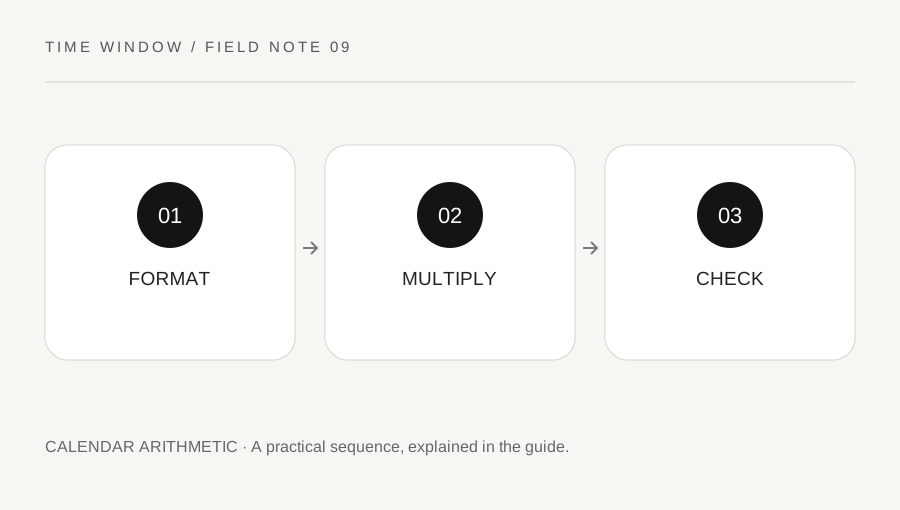
SaveLearning & workDecimal Hours Are Not Clock Minutes: Convert the Fraction CorrectlyA decimal fraction of an hour uses a base of one hundred in its written form, while an hour contains sixty minutes. That difference makes 1.50 hours and 1:50 easy to confuse. State the format before adding or comparing durations.3 min read
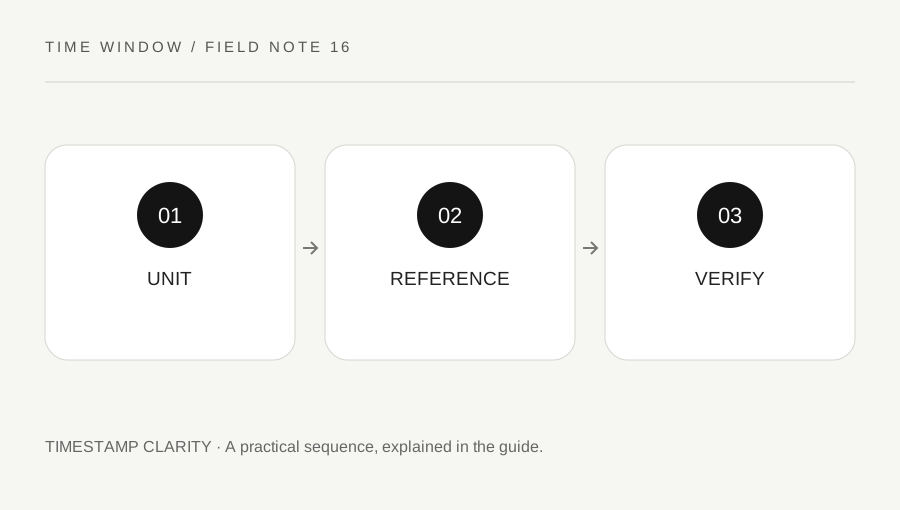
SaveLearning & workEpoch Seconds or Milliseconds? Check the Unit Before Converting a TimestampA long number called a timestamp is incomplete without its unit and reference system. Seconds and milliseconds differ by a factor of one thousand. A wrong assumption can produce an implausible year or a result that looks valid but describes the wrong instant.3 min read
SaveLearning & workTime-Zone Differences Can Include Minutes: Keep the Full OffsetNot every civil-time offset is a whole number of hours. A conversion that discards the minutes can be wrong even when the hour looks familiar. Use a named zone and retain the entire resulting clock reading and UTC reference.3 min read
SaveLearning & workAcross the Date Line: Compare Full Dates Before Comparing Clock TimesTwo locations can share a similar clock reading while using different calendar dates. A reliable comparison follows one instant into each location’s full date and time. Do not try to recover the date afterward from a remembered hour difference.3 min read
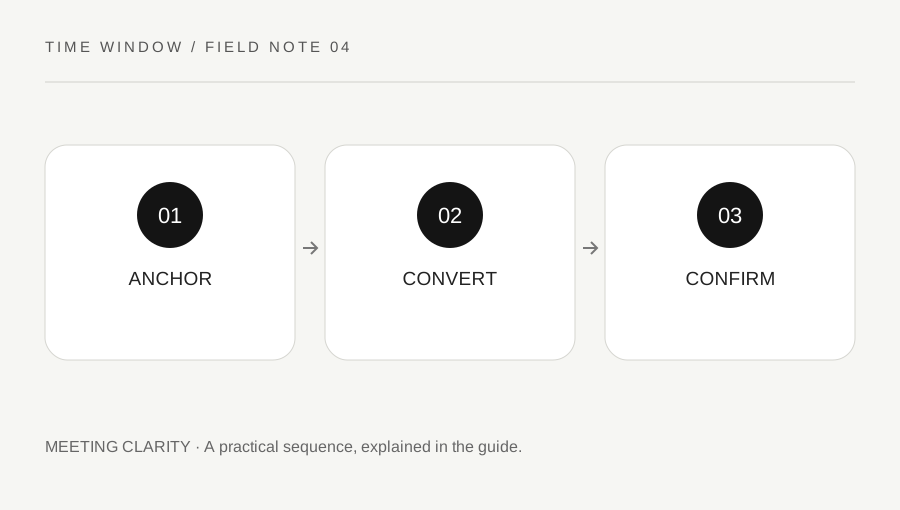
SaveLearning & workPlan an International Meeting Without Losing the DateA useful international invitation gives every participant both a local date and a local time. The task is not finished when two clock readings look reasonable. Check the calendar day, seasonal rules and the actual appointment before sending the invitation.4 min read
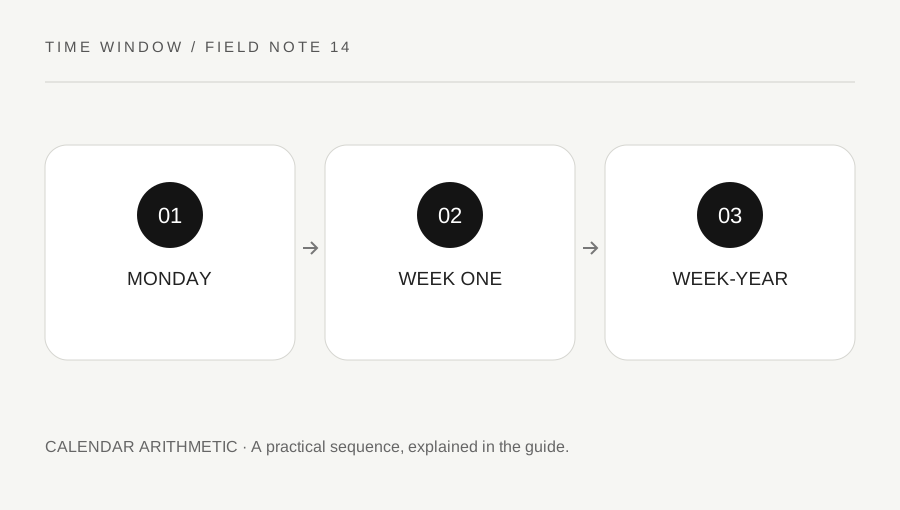
SaveLearning & workISO Week Numbers Near New Year: Check the Week-Year as WellA week number needs a week-numbering system and a year. Near New Year, an ISO week can belong to a different week-year from the date’s ordinary calendar year. Keep both labels visible when comparing schedules or exported reports.4 min read