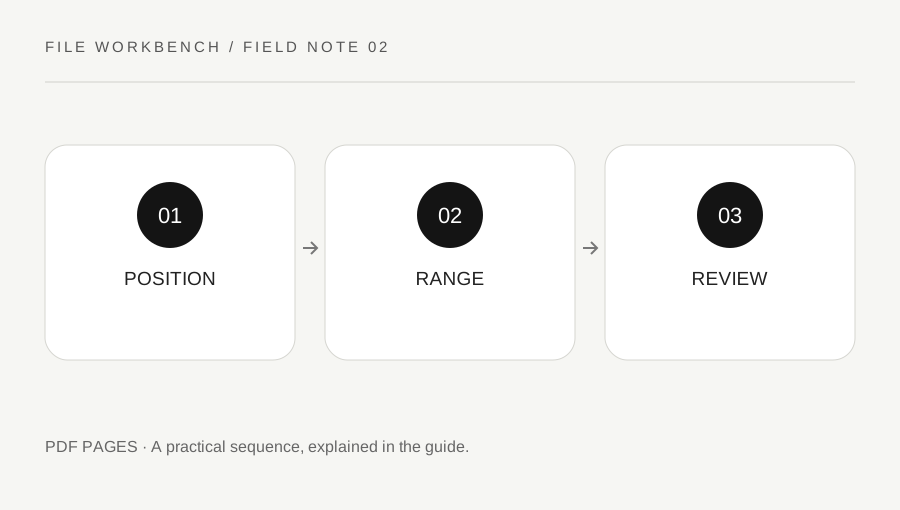
SaveLearning & workExtract PDF Pages Without Confusing Printed and File Page NumbersA report can label its first chapter page “1” even when that page is fifth in the PDF. Use the file positions shown in your viewer when selecting pages to extract.4 min read
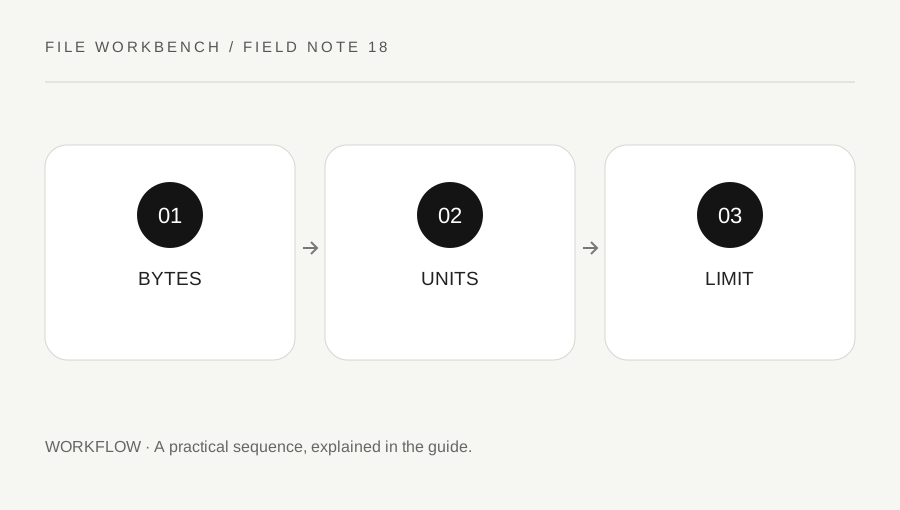
SaveLearning & workKB, MB and MiB: Read an Upload Limit Without Unit ConfusionA file-size number is useful only with its unit and definition. Check the exact destination limit and the actual saved bytes rather than assuming two displays use identical conventions.3 min read
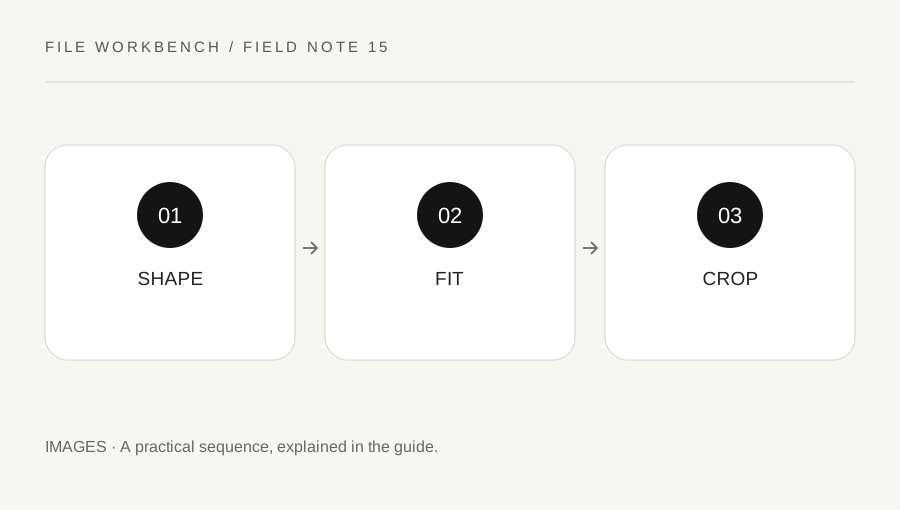
SaveLearning & workFit Inside or Crop? Understand Why Your Image Is Not an Exact SquareA maximum-size box preserves the whole image, while a crop changes what remains visible. Choose the operation that matches the destination instead of treating every dimension mismatch as an export error.3 min read
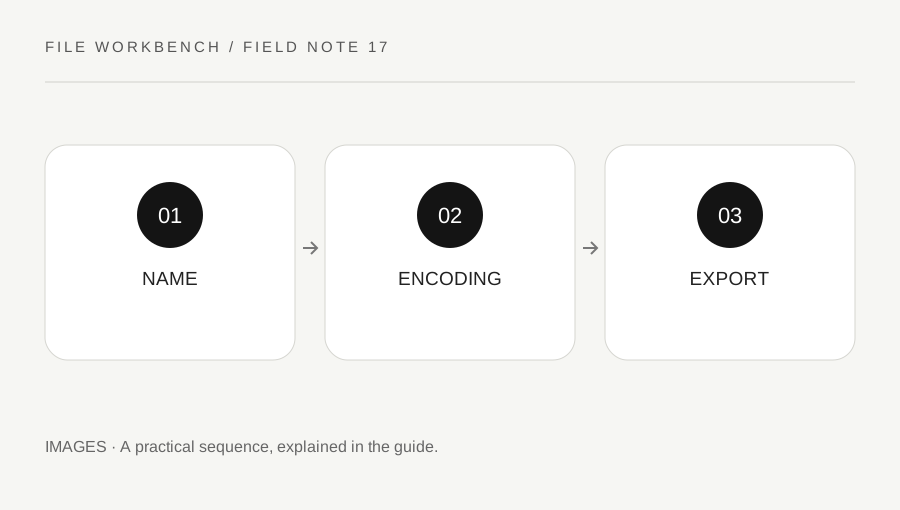
SaveLearning & workChanging an Image Extension Is Not the Same as Converting Its FormatA filename helps software guess a type, but it does not rewrite the encoded image. Use a real export and check the actual saved output when a destination requires JPEG, PNG or WebP.3 min read
SaveLearning & workJPEG, PNG or WebP: Choose an Image Format for the Actual JobThe best output format depends on the image and where it will be used. Compare readable detail, transparency, compatibility and file size instead of choosing by extension alone.4 min read
SaveLearning & workA Scanned PDF Is Too Large: Choose the Right Kind of ReductionA scan-heavy PDF can contain large page images even when it has few pages. Identify the destination requirement and preserve legibility before choosing a reduction workflow.3 min read
SaveLearning & workBrowser-Local File Processing: What to Check Before Using a ToolLocal processing can avoid sending file contents to a conversion server, but privacy also depends on the device, browser and downloaded copies. Understand the workflow before selecting sensitive material.4 min read
SaveLearning & workMerge PDFs with Different Page Sizes: Preserve and Review the DifferencesA merged file can legitimately contain portrait, landscape and differently sized pages. Review the intended reading and printing experience instead of assuming every page should be forced into one shape.3 min read
SaveLearning & workMerge PDF Files in the Right Order: A Practical Final CheckCombining PDFs is easy to start and easy to mischeck. Make the file order explicit, keep the originals and inspect the merged copy as a new document before sending it.4 min read
SaveLearning & workPDF Accessibility After Page Assembly: Review Beyond AppearanceA PDF that looks orderly can still be difficult to navigate with assistive technology. If accessibility matters, preserve the authoring source and review the final file through an appropriate workflow.3 min read
SaveLearning & workA PDF Cannot Be Opened by the Tool: Interpret the Failure Without a BypassA failed load can reflect encryption, unsupported content, damage or a browser limit. Keep the original and use an authorized source instead of treating every failure as something to circumvent.4 min read
SaveLearning & workKeep PDF Versions Straight: Sources, Working Copies and the File You SendThe wrong version can be more damaging than a failed conversion. Use a clear source-to-output routine and verify the actual attachment before sending a processed document.3 min read